

ONEPass Training

ConvertBox Essentials

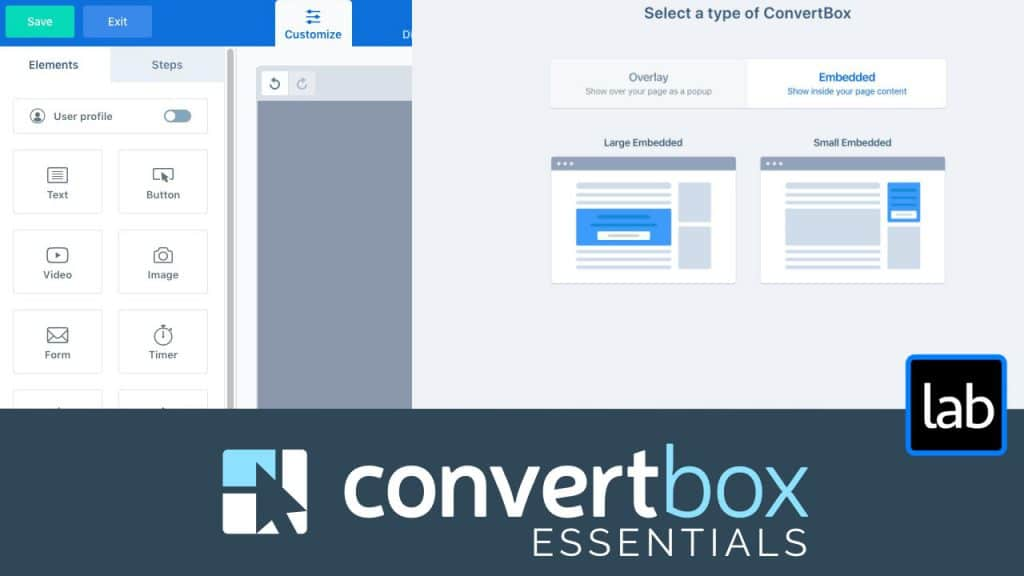
ConvertBox is a powerful tool for managing all your on-site calls to action across your whole site…. and personalizing all of it based on who the visitor is. Here's a full training on how best to use it.

2 hr 51 min

Members only

This training is part of ONEPass

Get ONEPass Log in

ConvertBox is a powerful platform for managing calls to action and on-site messages across your entire site, allowing you to put the right offer in front of the right person at the right time.

I made a public deal out of personally abandoning my favorite Wordpress opt-in form builder, Thrive Leads, and switching everything to ConvertBox. However, even making that comparison doesn’t really give it justice because it could easily make it seem as if ConvertBox is list building software or just an opt-in form designer.

It does far more.

ConvertBox is a powerful tool for managing all your on-site calls to action across your whole site…. and personalizing all of it based on who the visitor is. You can even customize what they see based on data in your CRM, therefore making your website a direct extension of your marketing automation. ConvertBox Essentials will walk you through using the software, but we’ll go beyond that into strategy and pro-level tips on how to fully utilize it to execute marketing campaigns, optimize your list building, and much more.

What's covered

  1. 0:00Introduction
  2. 2:13Benefits of Using ConvertBox
  3. 9:44Setting Up Your ConvertBox Account
  4. 15:15ConvertBox Types
  5. 20:19Design Elements And Using The Builder
  6. 32:41Form Actions & Fields
  7. 43:09Using ConvertBox Steps
  8. 48:09Display Rules
  9. 56:37Targeting Rules
  10. 1:04:30ConvertBox Groups & Priority
  11. 1:13:45Using Embedded ConvertBox Forms
  12. 1:21:19Combining ConvertBox With Thrive Theme Builder
  13. 1:29:37Using ConvertBox Trigger Links
  14. 1:33:58Using WordPress Categories & Tags To Control ConvertBoxes
  15. 1:40:12Setting up Split Tests
  16. 1:45:23Different Calls To Actions Depending On Who It Is
  17. 2:01:54Running A Time-Based Call To Action With ConvertBox
  18. 2:10:19Using ConvertBox For Membership Site Announcements
  19. 2:18:18Geographic Targeting with ConvertBox
  20. 2:21:22Using Zapier Integration & Webhooks
  21. 2:31:05Using Naming Conventions To Stay Organized
  22. 2:40:20How To Evenly Rotate ConvertBoxes To The Same Group
  23. 2:48:16Conclusion